The product
Search a name and get Location, Unit, Asset, Name. The same card holds the certificate, the coverage, and what it costs to keep. Print the label, scan it, and get a reminder before a calibration or a warranty lapses.
Product overview · FindThings IQ™
Every asset gets a place, a book value, a service date and a person who looks after it. Its warranty, certificate and manual sit on the same record, and one search finds it across a single line or several sites. That record is the asset register and the maintenance management system.
Location→Unit→Asset→Name
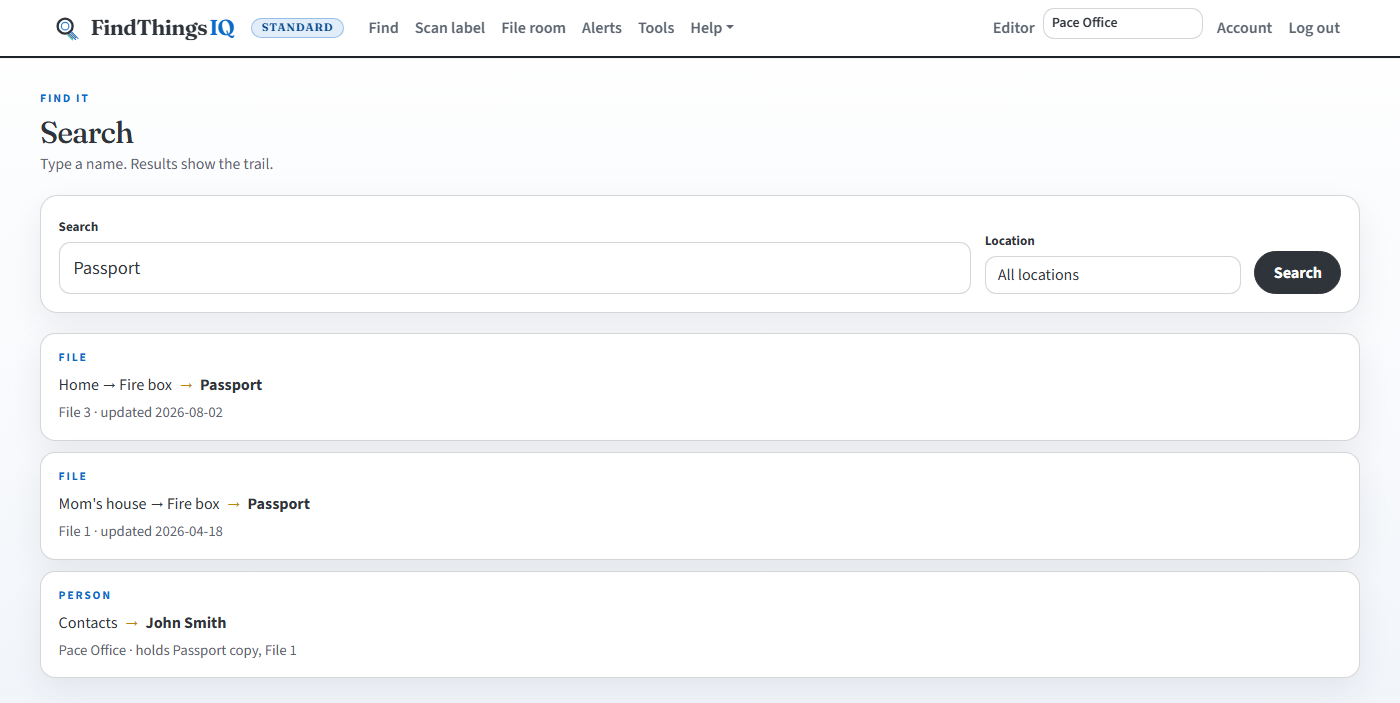
Asset register & search
Search a name, a document title or an asset number and get Location → Unit → Asset → Name. The asset room shows every unit with its filled and empty slots.
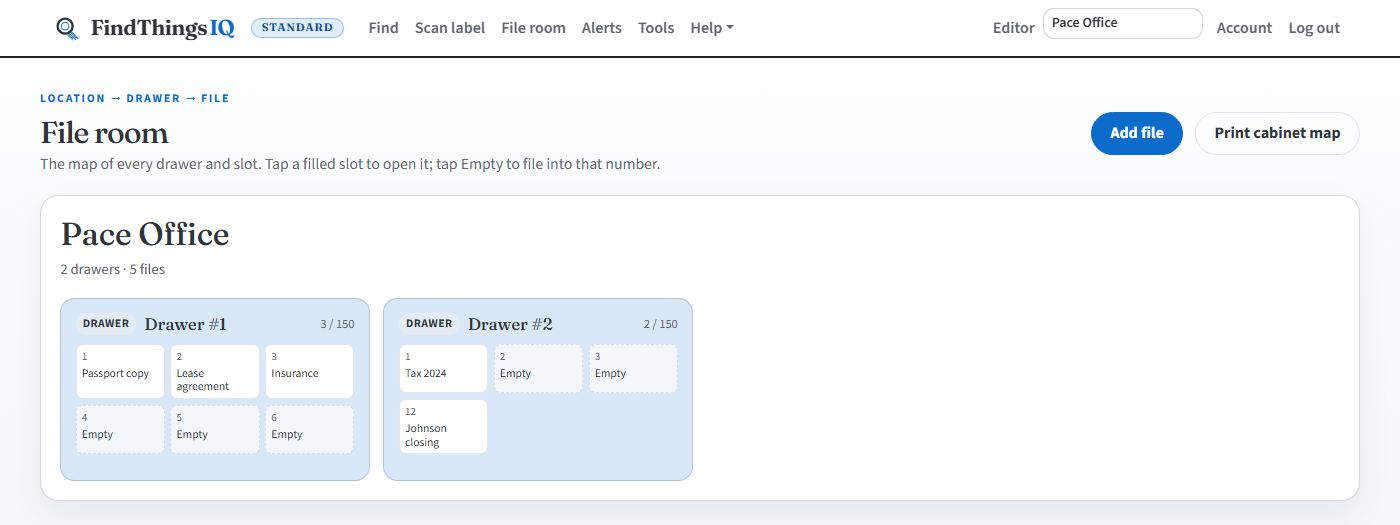
Check-out, labels & scanning
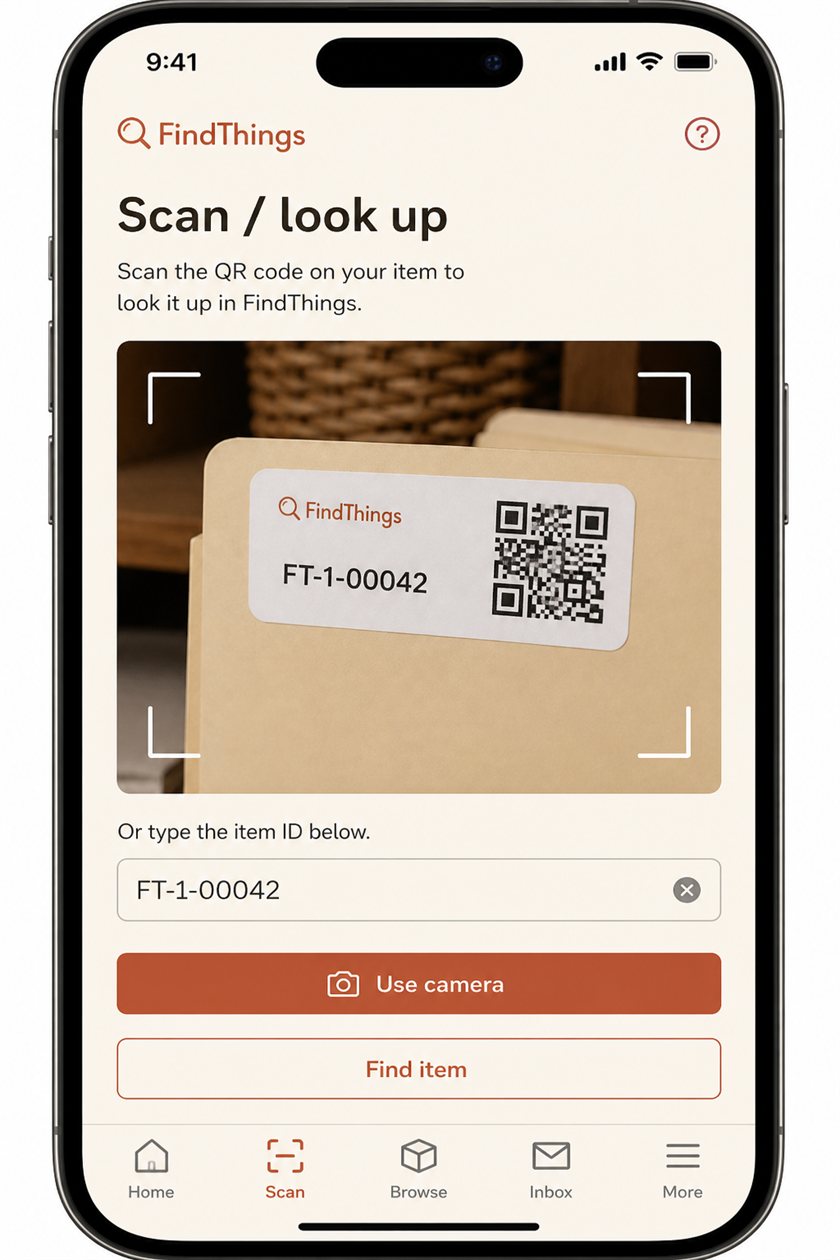
Lend an asset, reserve it for later, and print labels that match the slot it lives in.
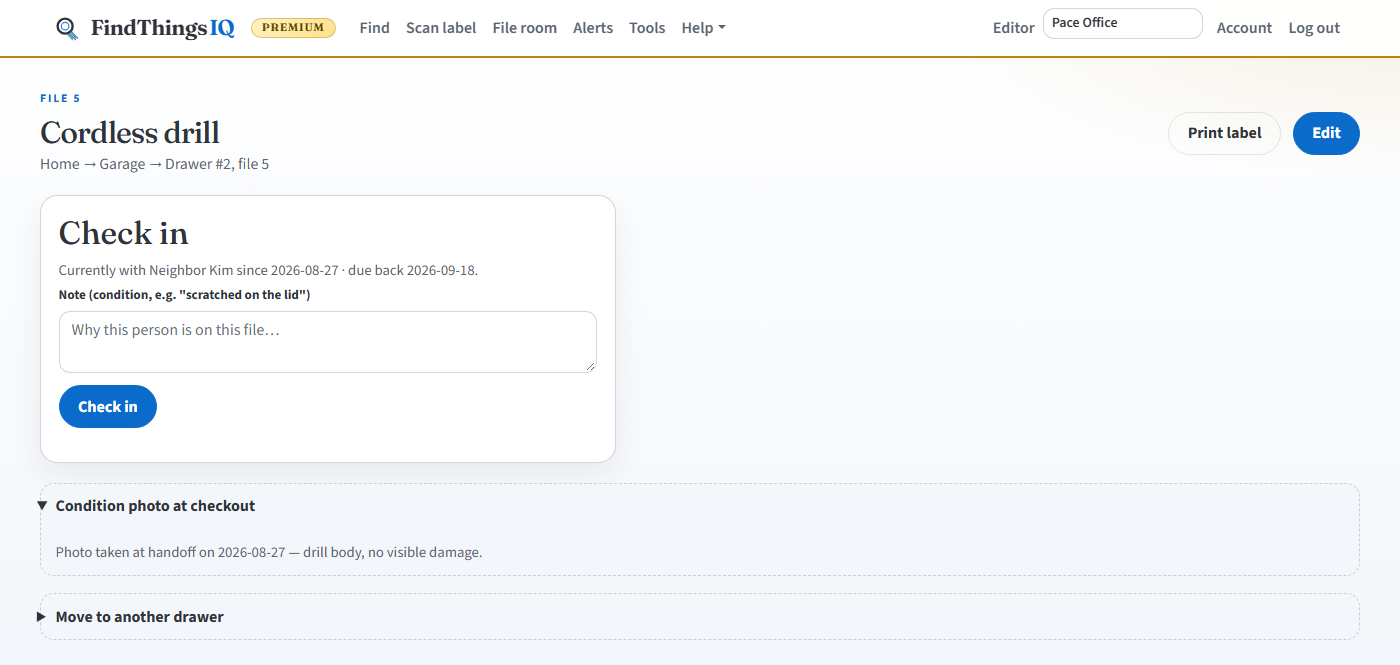
Maintenance management system
A maintenance management system that starts from the asset. Planned service by date or meter reading, and a work order for every repair that records what it cost and how long the asset was down.
Office PremiumDocuments, renewals & compliance
Certificates, warranties, policies, safety sheets and manuals live on the asset, each with an expiry date and an owner.
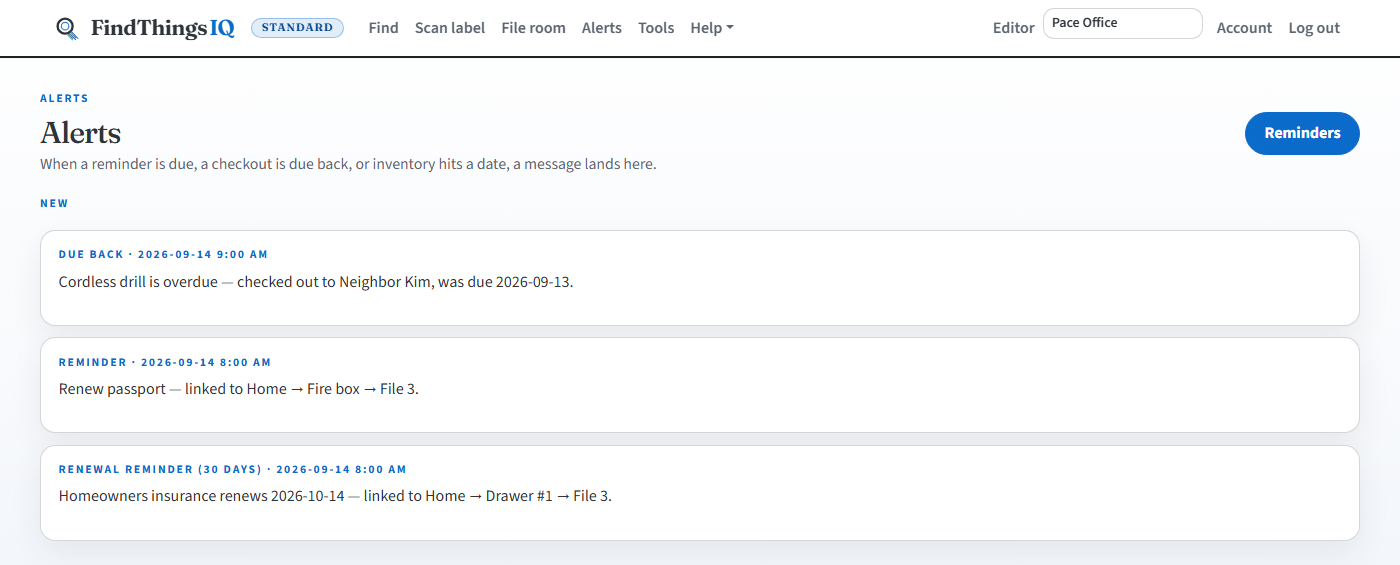
Asset finance
Book value, insurance and repair spend side by side for each asset and for the portfolio. We record the numbers; we don't give insurance advice.
Office PremiumField & mobile
A technician's job list stays on the phone. Tick off steps, log time and take photos in a basement or a field; it all goes through once the phone is back online.
Spare parts & purchasing
Stock levels that stay correct even when two people grab the last one, and reorder points based on what you actually use.
Office PremiumIntegrations
Your ERP, BI or accounting tools can read assets, depreciation and purchase orders, and hear about changes as they happen.
Office PremiumSecurity & governance
Role-based access, an activity log you can verify, and organization-wide controls an Owner can switch on.
Also included
Shared notes, the password vault, stock counts and the org chart are Office Premium.
Industries
A location, a unit, an asset number, the documents on that asset and a date before the work is late.
Watch
Five short videos on the product, inventory, filing and search, equipment depreciation, and legal hold.
Search a name and get Location, Unit, Asset, Name. The same card holds the certificate, the coverage, and what it costs to keep. Print the label, scan it, and get a reminder before a calibration or a warranty lapses.
A quantity sits on the asset with the unit and the name. Photo inventory shows the part, the count, and where it sits. Low stock, checkout, and a scan count are on Office Premium.
Type a name and get Location, Unit, Asset, Name. See how FindThings IQ finds any filed paper in one search, with QR and Avery label printing.
Turn any filed item into tracked Equipment with one click: cost basis, straight-line or MACRS depreciation, current book value, and a full year-by-year schedule.
Legal hold blocks every delete until released, required two-factor sign-in covers the whole office, and view-audit logging shows who opened a client's file, not just who edited it.
Plans
One plan at a time. Office Premium replaces Office.
$0
25 assets · 500 MB · your login only. No card.
Start free$49.00 / month
5 GB · up to 5,000 assets · 2 admin seats · unlimited field logins. CRM lite included.
Start Office$149.00 / month
10 GB · up to 10,000 assets · 5 admin seats · unlimited field logins. Replaces Office.
Compare plansCustom pricing
Everything in Office Premium, plus single sign-on (SSO) scoped with your team.
Request a quoteFree has no card. Paid plans start with a 14-day free trial when Stripe is on, then bill monthly. You're on one plan at a time, so Office Premium is $149.00 / month in total and not on top of Office. Cancel during the trial and nothing is charged. The prices are the same on Plans and in the sales agreement.
Swipe sideways to compare all plans.
| Feature | Free | Office | Office Premium |
|---|---|---|---|
| Find & organize | |||
| Search: Location → Unit → Asset → Name | ✓ | ✓ | ✓ |
| Asset room with filled and empty slots | ✓ | ✓ | ✓ |
| Scan label (camera, USB wedge, or typed code) | ✓ | ✓ | ✓ |
| Locations, units, boxes, photos, and PDFs | ✓ | ✓ | ✓ |
| Import unit list | — | ✓ | ✓ |
| Bulk move / delete on the asset list | ✓ | ✓ | ✓ |
| Avery labels (5160 / 5163 / 5167) | ✓ | ✓ | ✓ |
| Cabinet map and unit QR | ✓ | ✓ | ✓ |
| People | |||
| Roles, invites, and contacts | — | ✓ | ✓ |
| Manager & Field Worker roles | — | ✓ | ✓ |
| Office CRM lite (follow-ups, contact types) | — | ✓ | ✓ |
| Alerts | |||
| Reminders and Alerts | ✓ | ✓ | ✓ |
| Proactive renewal engine (90/60/30-day reminders) | ✓ | ✓ | ✓ |
| Account | |||
| Backup & export zip | ✓ | ✓ | ✓ |
| Phone, desktop, and Home Screen app | ✓ | ✓ | ✓ |
| Limits | |||
| Catalog items | 25 | 5,000 | 10,000 |
| Admin seats (Owner, Editor, Viewer) | 1 | 2 | 5 |
| Field logins (Manager, Field Worker) | — | Unlimited | Unlimited |
| Photo and PDF storage | 500 MB | 5 GB | 10 GB |
| Asset numbers per unit | 1–150 | 1–999 | 1–999 |
| Office Premium | |||
| Org chart | — | — | ✓ |
| Shared & private notes | — | — | ✓ |
| Password vault | — | — | ✓ |
| Lend, count, stock alerts, and bulk check-in | — | — | ✓ |
| Reservations (book ahead, conflict detection) | — | — | ✓ |
| Condition photos at checkout / check-in | — | — | ✓ |
| Activity log and contacts CSV | — | — | ✓ |
| Equipment depreciation (straight-line / MACRS) | — | — | ✓ |
| Cost-to-Keep analytics | — | — | ✓ |
| Legal hold and required two-factor authentication | — | — | ✓ |
| Asset audits (signed verification) | — | — | ✓ |
| Read-only API and accounting journal export | — | — | ✓ |
Need more, or single sign-on? Enterprise is everything in Office Premium plus SSO, with custom pricing.
FindThings IQ is a filing map, an asset record and a reminder tool. It doesn't certify an audit (OSHA, EPA, ISO or HIPAA), give insurance advice, track vehicles by GPS, or replace a medical record, a court e-filing system or a loan system. The industry pages cover each trade.
Map one unit, print its labels and search it today. Or book an asset-room visit to see it with your own list.